Buy 2 or more games and save 15%, applied automatically.
Grab 2+ games — save 15%●Applied automatically, no code needed●Mix and match any games●Grab 2+ games — save 15%●Applied automatically, no code needed●Mix and match any games●Grab 2+ games — save 15%●Applied automatically, no code needed●Mix and match any games●Grab 2+ games — save 15%●Applied automatically, no code needed●Mix and match any games●
Grab 2+ games — save 15%●Applied automatically, no code needed●Mix and match any games●Grab 2+ games — save 15%●Applied automatically, no code needed●Mix and match any games●Grab 2+ games — save 15%●Applied automatically, no code needed●Mix and match any games●Grab 2+ games — save 15%●Applied automatically, no code needed●Mix and match any games●
All of our games are digital downloads which means that you can print wherever you like and as many times as you like.
Print at home or have your files printed at a local copy shop or at an online printing service.
Home printing
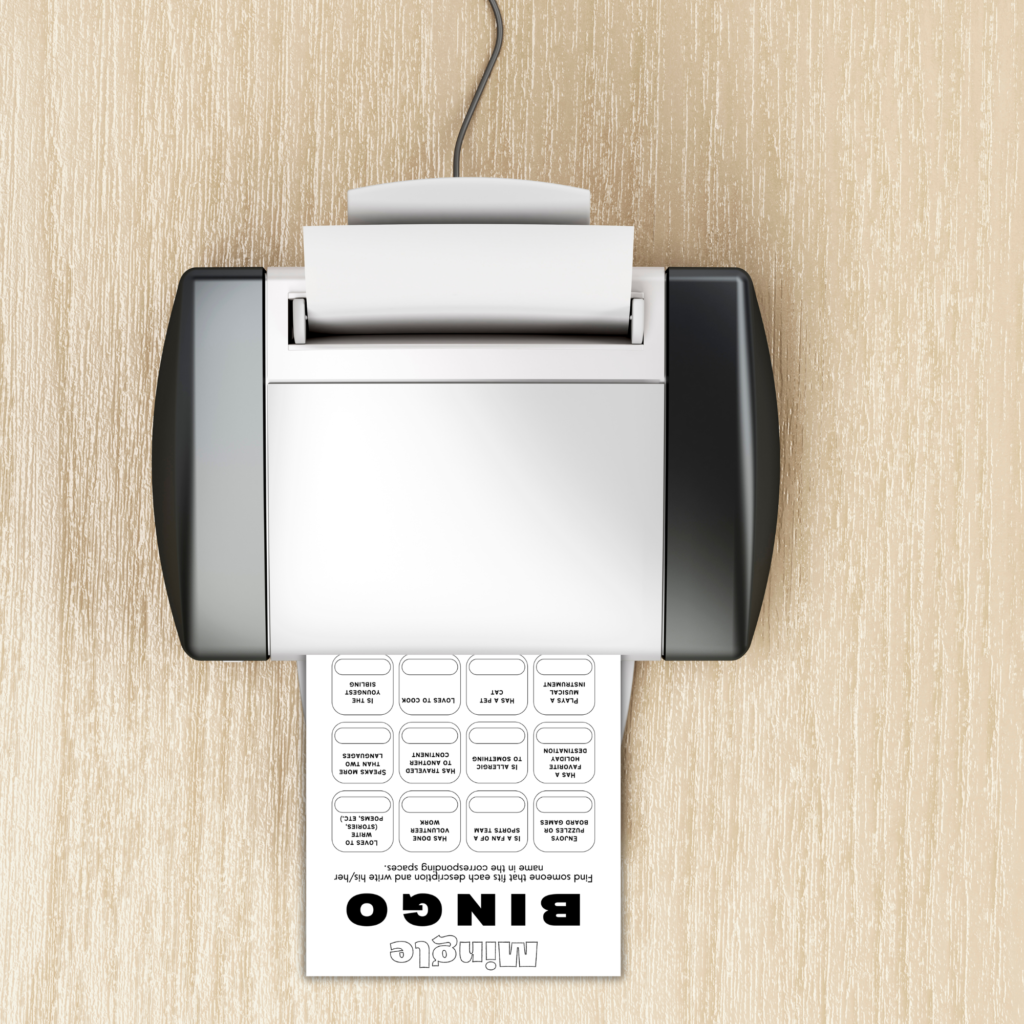
Please be advised to print at actual size. In your printer settings, select “Actual Size” or “100%”. Avoid “Fit to page” and “Scale to fit” because these shrink the file slightly and game will com out the wrong size.
Use US Letter because our files are made for 8.5″X 11″ paper size. A4 also works and leaves a slightly wider margin.
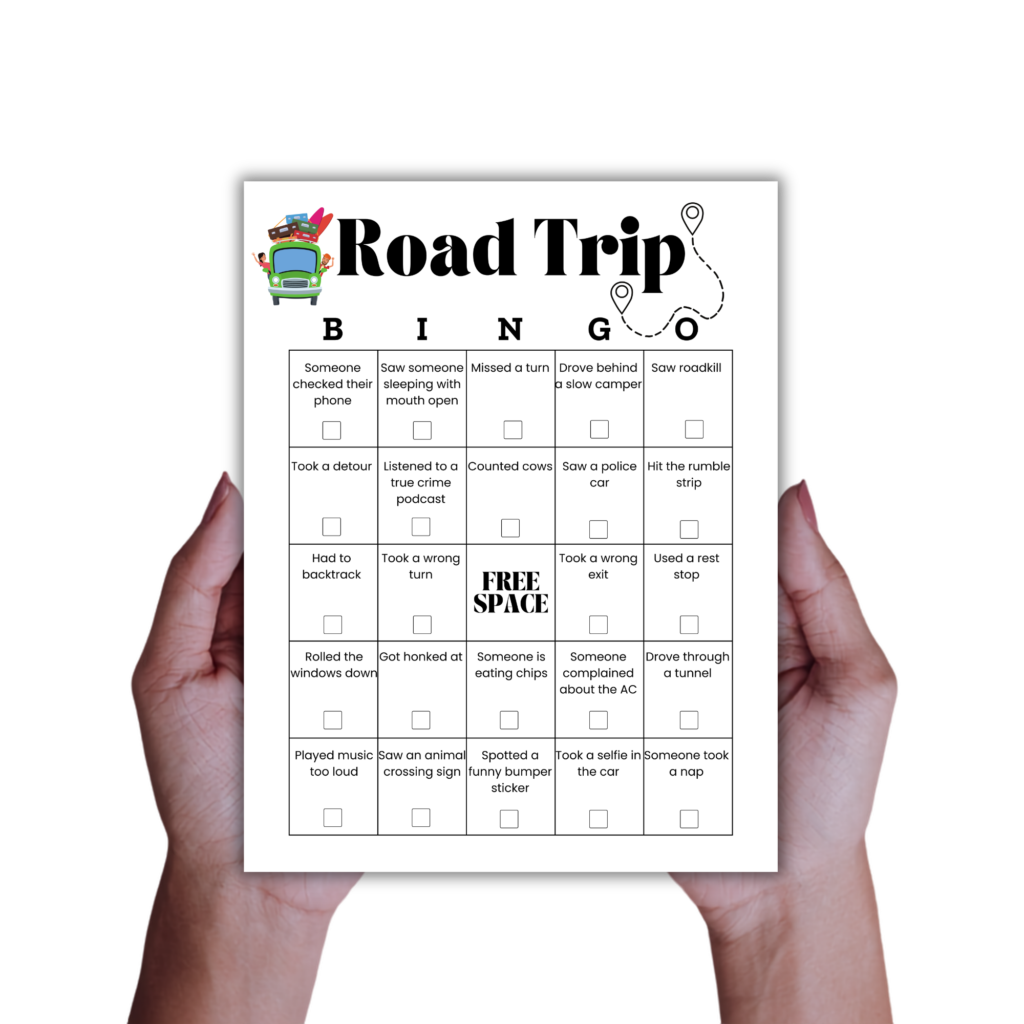
Choose your paper by purpose. Score sheets, bingo cards, answer keys and instructions print well on regular paper. Cards that are handled and passed around a lot are best on 65lb cardstock or heavier. This type of paper holds their shape better and can be reused.
(Online) Copy shops
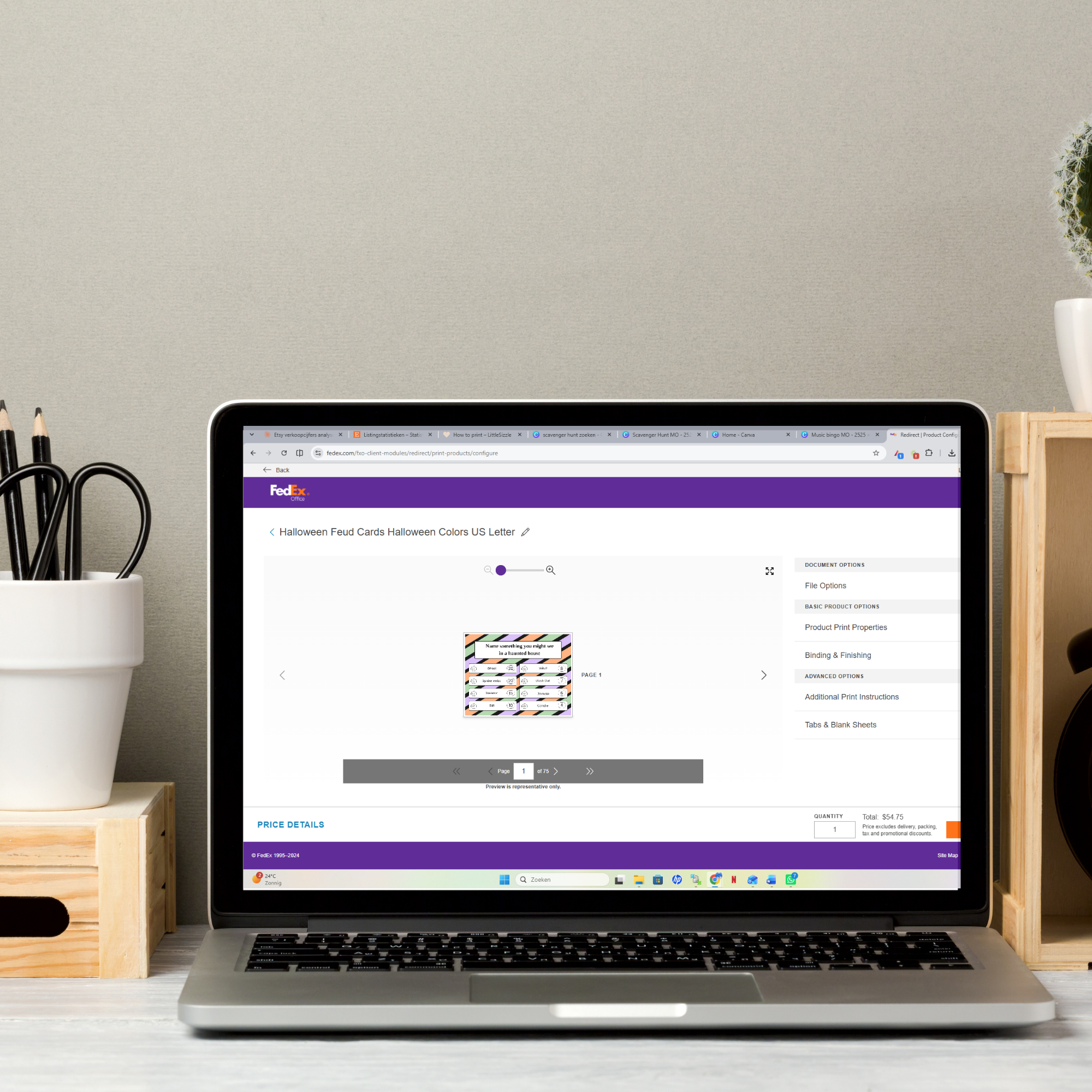
No printer at home? Any print shop (for example Staples, FedEx Office, Office Depot or a local copy shop) can handle these files. Send them the file or bring it on a USB stick and ask for 8.5"X 11" at 100% (and also on cardstock where needed).
Trim your party game
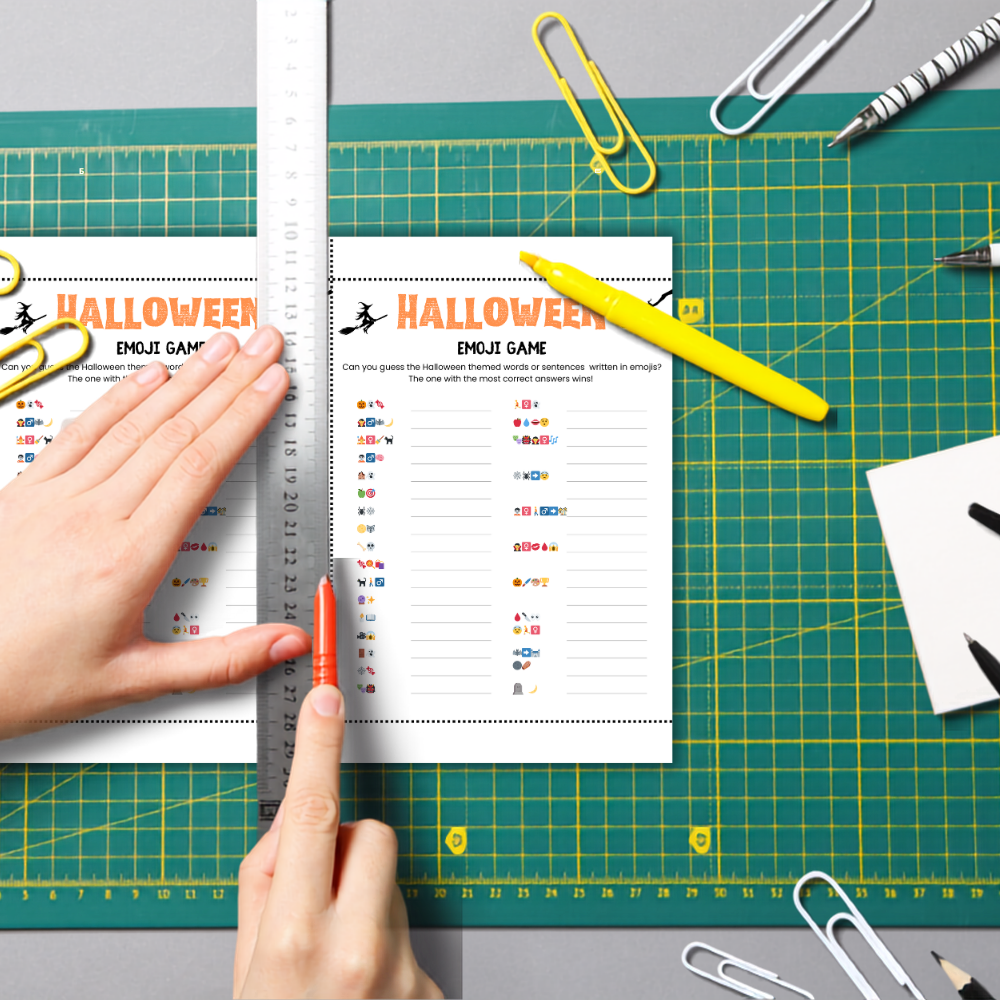
Some of our games print several cards to a page, with thin crops marks showing where to cut. Others print one per page, or don't need cutting at all. Your file will make ik obvious which one you got.
For straight edges, use a paper trimmer, or a craft knife with a metal ruler and a cutting mat. Scissors also work and let you round the corners if you prefer that finish.
Cut through several sheets at once rather than one at a time. The edges line up better and it takes less work.
Manage cookie consent
To provide the best experiences, we use technologies like cookies to store and/or access device information. Consenting to these technologies will allow us to process data such as browsing behavior or unique IDs on this site. Not consenting or withdrawing consent, may adversely affect certain features and functions.
Functional
Always active
The technical storage or access is strictly necessary for the legitimate purpose of enabling the use of a specific service explicitly requested by the subscriber or user, or for the sole purpose of carrying out the transmission of a communication over an electronic communications network.
Voorkeuren
De technische opslag of toegang is noodzakelijk voor het legitieme doel voorkeuren op te slaan die niet door de abonnee of gebruiker zijn aangevraagd.
Statistics
The technical storage or access that is used exclusively for statistical purposes.De technische opslag of toegang die uitsluitend wordt gebruikt voor anonieme statistische doeleinden. Zonder dagvaarding, vrijwillige naleving door je Internet Service Provider, of aanvullende gegevens van een derde partij, kan informatie die alleen voor dit doel wordt opgeslagen of opgehaald gewoonlijk niet worden gebruikt om je te identificeren.
Marketing
De technische opslag of toegang is nodig om gebruikersprofielen op te stellen voor het verzenden van reclame, of om de gebruiker op een site of over verschillende sites te volgen voor soortgelijke marketingdoeleinden.